What you’ll need:
A connected WhatsApp Business integration.
Admin permissions in Kommo to configure opt-in and opt-out settings.
Keep in mind:
Using opt-in and opt-out statuses is not mandatory, but it is highly recommended.
Only send marketing messages to clients who have agreed to receive them. Learn more about Meta’s opt-in requirements.
Opt-in and opt-out status affects marketing templates. It does not block utility templates or regular service replies sent within the 24-hour customer service window.
Marketing subscription statuses in Kommo show whether a client has agreed to receive WhatsApp marketing messages from your business (Opt-in) or has chosen not to receive them (Opt-out).
Keeping marketing subscription statuses up to date helps you communicate with the right audience and respect clients’ choices. It can also reduce unwanted messages, complaints, and the risk of restrictions from Meta.
This article explains what each status means, how they work, and how they affect WhatsApp marketing messages sent through Kommo.
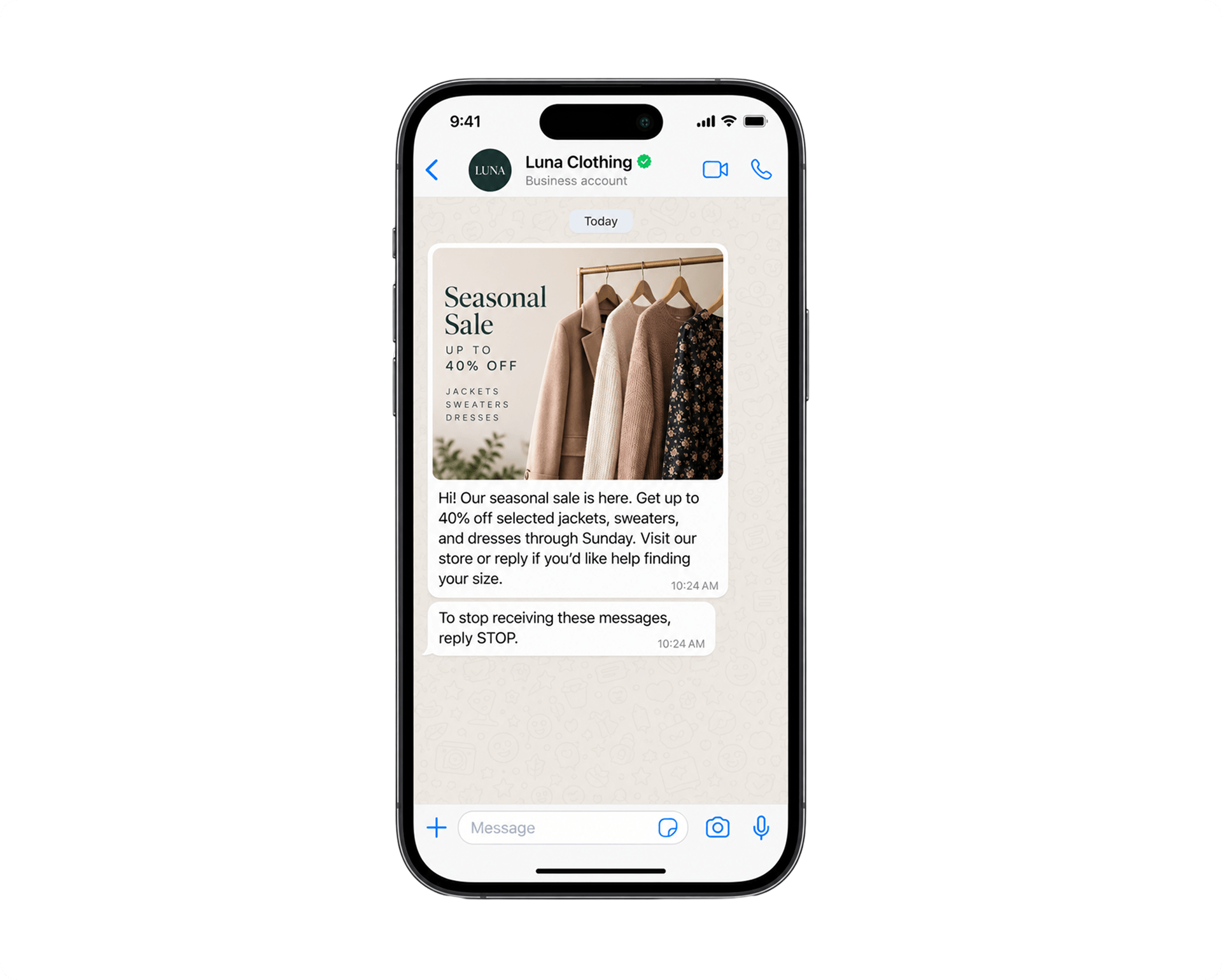
Use cases
Opt-in and opt-out management helps you reach the right clients while respecting their choices.
Use it to:
Connect with interested clients — Focus your campaigns on clients who want to hear from your business.
Keep your WhatsApp quality rating high — Respect clients’ preferences and avoid sending marketing messages to contacts who have opted out.
Give clients control — Let clients opt in or out at any time by sending a keyword.
Keep consent records clear — See a contact’s current status and when, how, and by whom it was changed.
Reconnect when clients opt in again — Resume marketing messages as soon as a client provides new consent.
Marketing subscription statuses
A contact is how Kommo stores your client's details — including their name, phone number, and any other information you add to their profile.
A contact can have one of the following statuses in Kommo:
Opt-in — The client has agreed to receive WhatsApp marketing messages.
Opt-out — The client has asked your business to stop sending WhatsApp marketing messages.
If the Marketing subscription field displays Select, no opt-in or opt-out status has been recorded. An empty status does not block marketing messages.
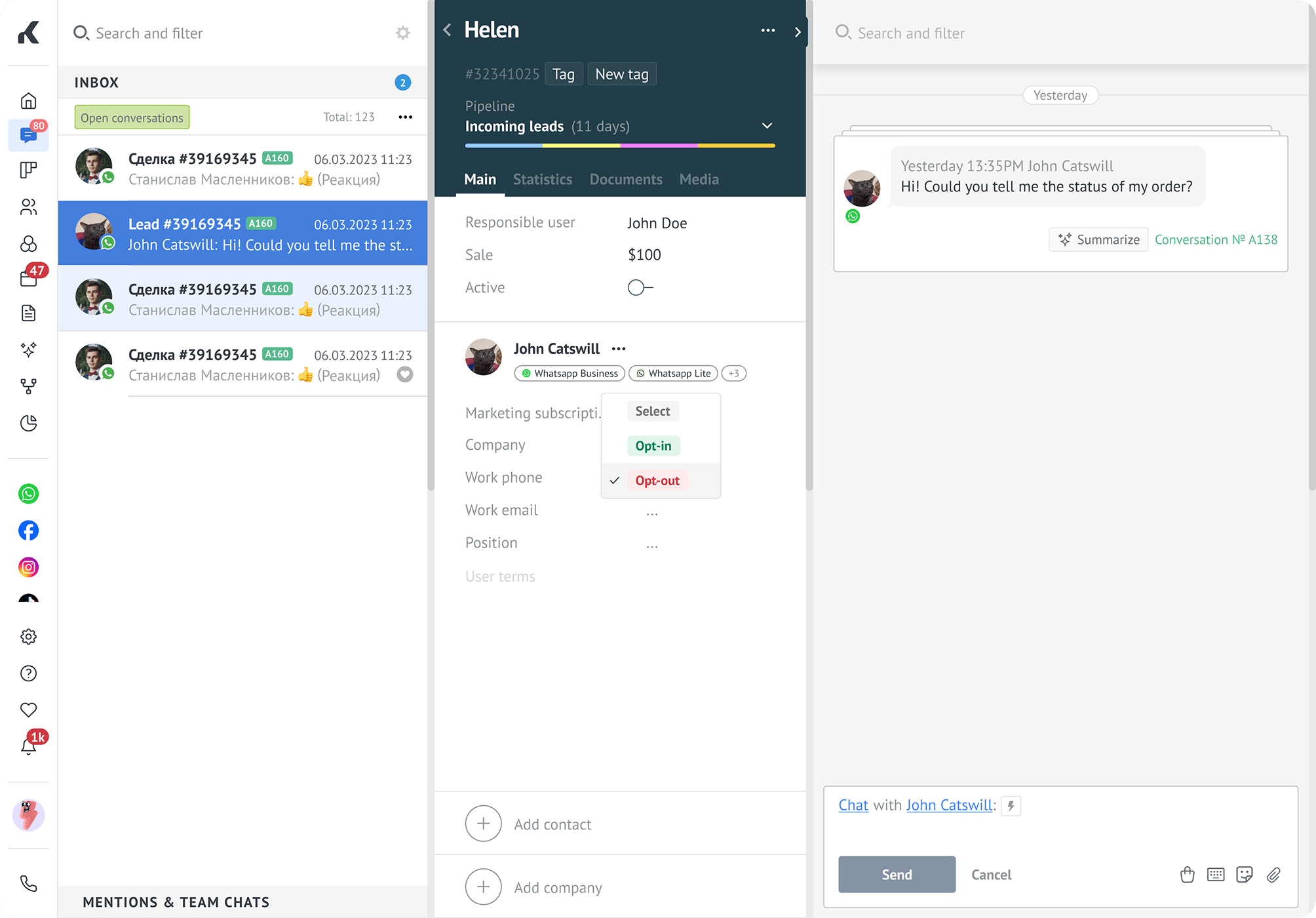
However, recording each client's preference helps you avoid sending unwanted messages — which keeps your WhatsApp Business number quality rating high.
How Kommo applies opt-out statuses
Kommo uses the Marketing subscription status in the contact profile. This status applies to the entire contact, including all phone numbers saved in their profile.
For example, if a contact has three phone numbers and their status is Opt-out, Kommo stops marketing messages from being sent to all three numbers by default.
You can still choose to send marketing messages to an opted-out contact. However, respecting their choice helps keep your communication relevant and maintain a healthy WhatsApp quality rating.
Important: Ignoring opt-out requests can lead to complaints, lower quality ratings, and restrictions on your WhatsApp Business Account. Meta requires businesses to honor requests to stop receiving messages. Learn more in the WhatsApp Terms for WhatsApp Business Platform.
You can monitor your WhatsApp Business Account and phone number statuses and quality ratings in WhatsApp Health.
How marketing subscription statuses are recorded
A client’s marketing subscription status can be set or updated in two ways:
Manually in Kommo — Select Opt-in or Opt-out in the contact profile.
Using a keyword — When a client sends a message that matches an opt-in or opt-out keyword, Kommo updates their status automatically.
You can use Kommo’s default keywords or create your own. Learn more in Set up and use WhatsApp opt-in and opt-out in Kommo.
How subscription statuses affect WhatsApp messages
Broadcasts — By default, Kommo excludes opted-out contacts and shows how many will be excluded. You can still choose to include these contacts and send the broadcast to them.
Individual chats — If you try to send a marketing template to an opted-out client, Kommo displays a warning and asks you to confirm.
Learn more in Set up and use WhatsApp opt-in and opt-out in Kommo.