What you’ll need:
A valid Apple ID or Google account
An active Kommo plan (Base, Advanced, Enterprise, Pro, or trial)
A stable internet connection
Permission to access your Kommo workspace (any role)
Optional: Biometric unlock enabled on your device for faster login
Keep in mind:
Kommo Mobile is available only on iOS and Android
Push notifications may be limited in regions where Google services are restricted
Some features (such as calls or notifications) require device permissions
App performance may vary on older operating system versions
Installing Kommo Mobile lets you manage leads, reply to messages, complete tasks, and receive real-time updates — all from your phone. The app stays automatically synced with your Kommo workspace.
Install the Kommo mobile app
Follow these steps to download and sign in.
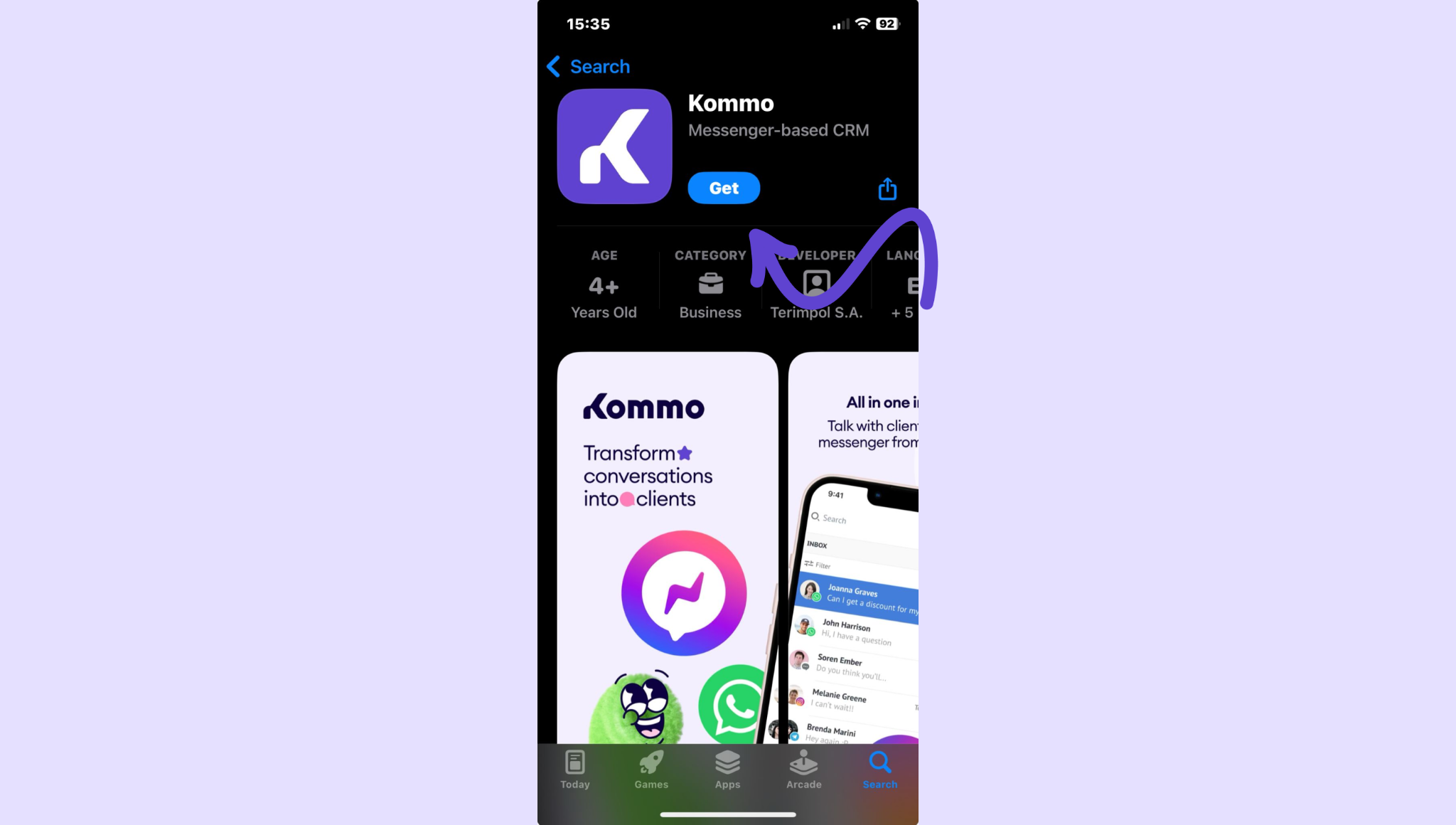
Open the App Store (iOS) or Google Play Store (Android).
Search for Kommo.
Click on the Get button.
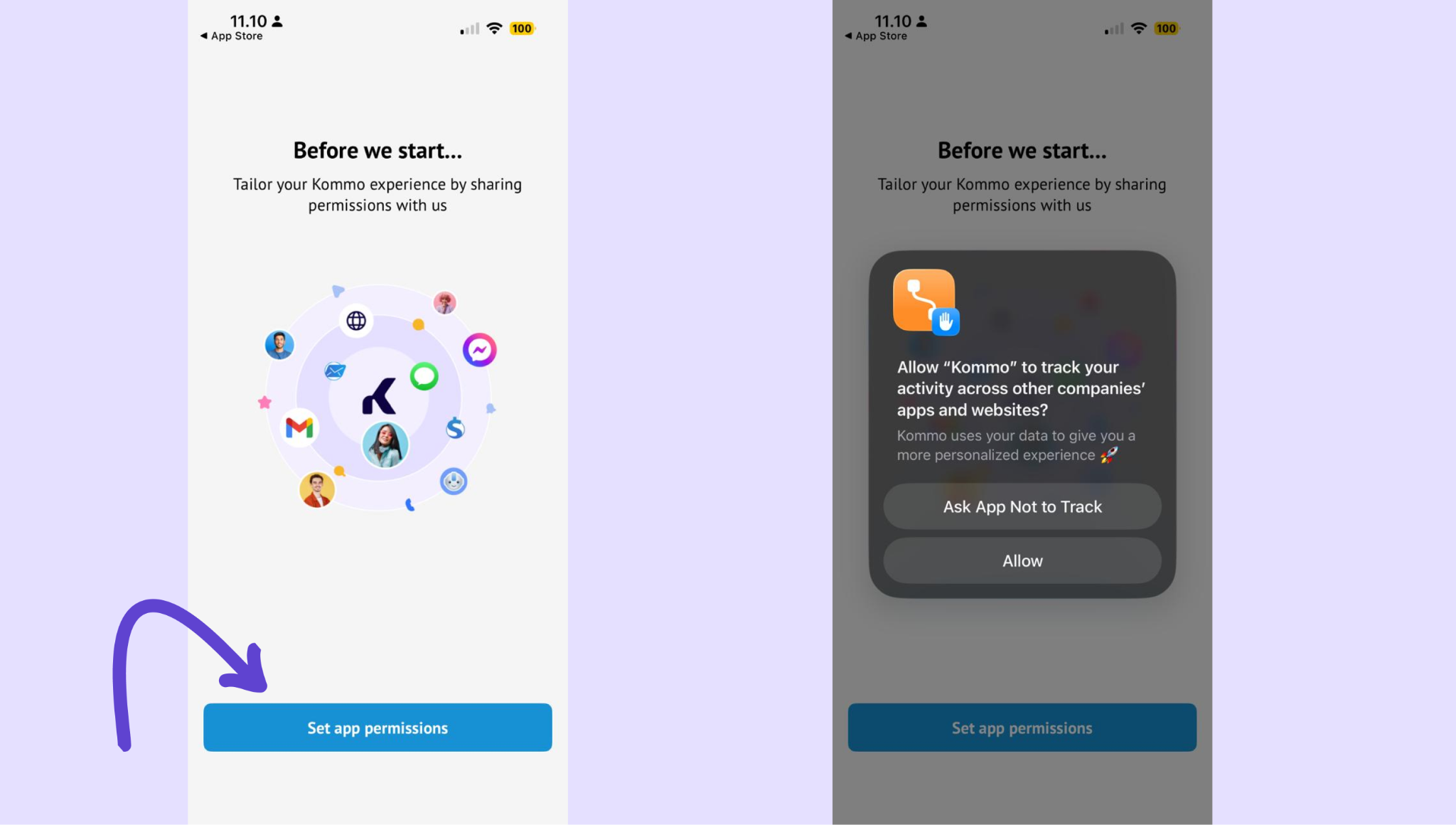
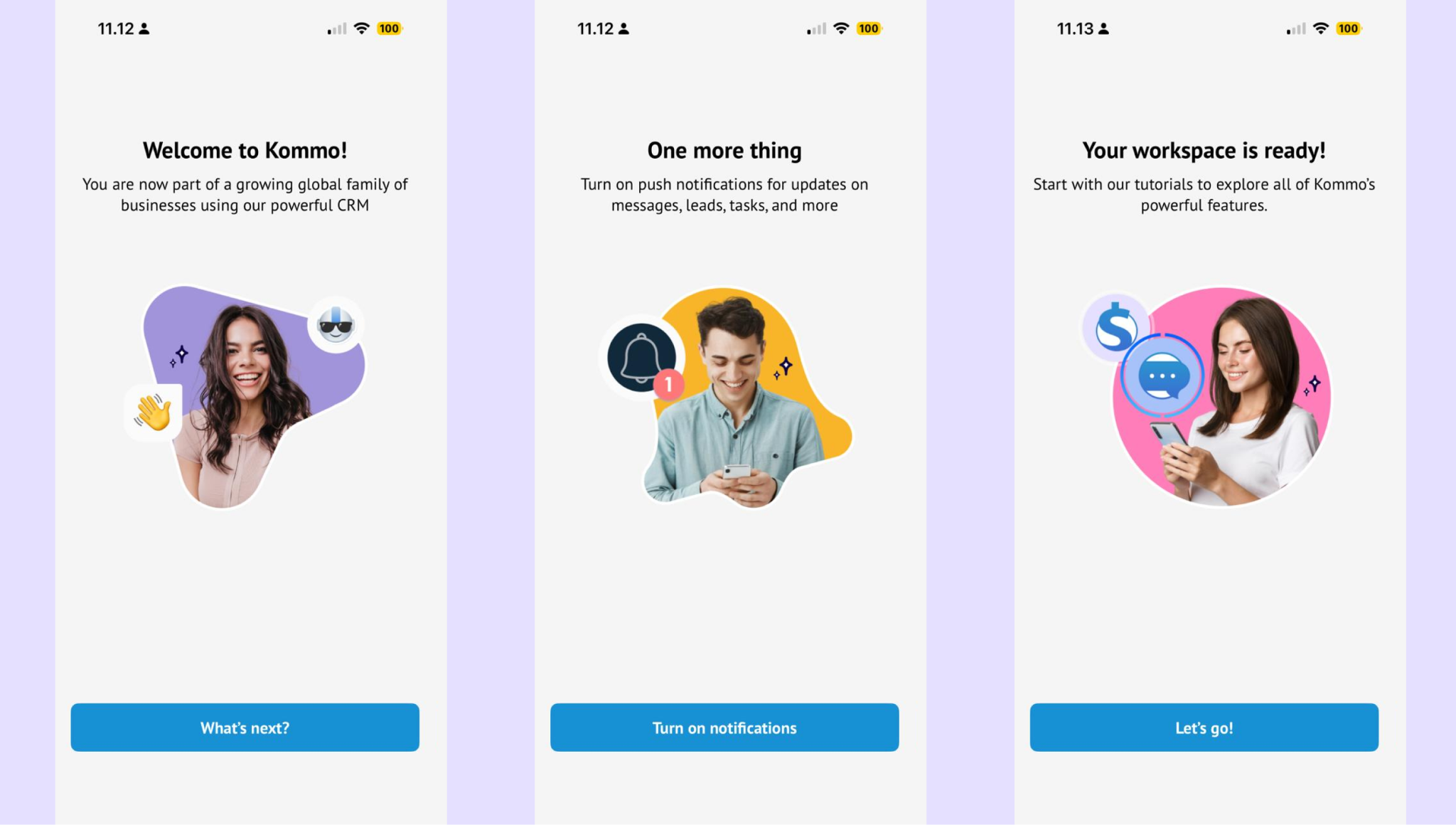
Open the app once installation is complete. Allow the requested app permissions when prompted.
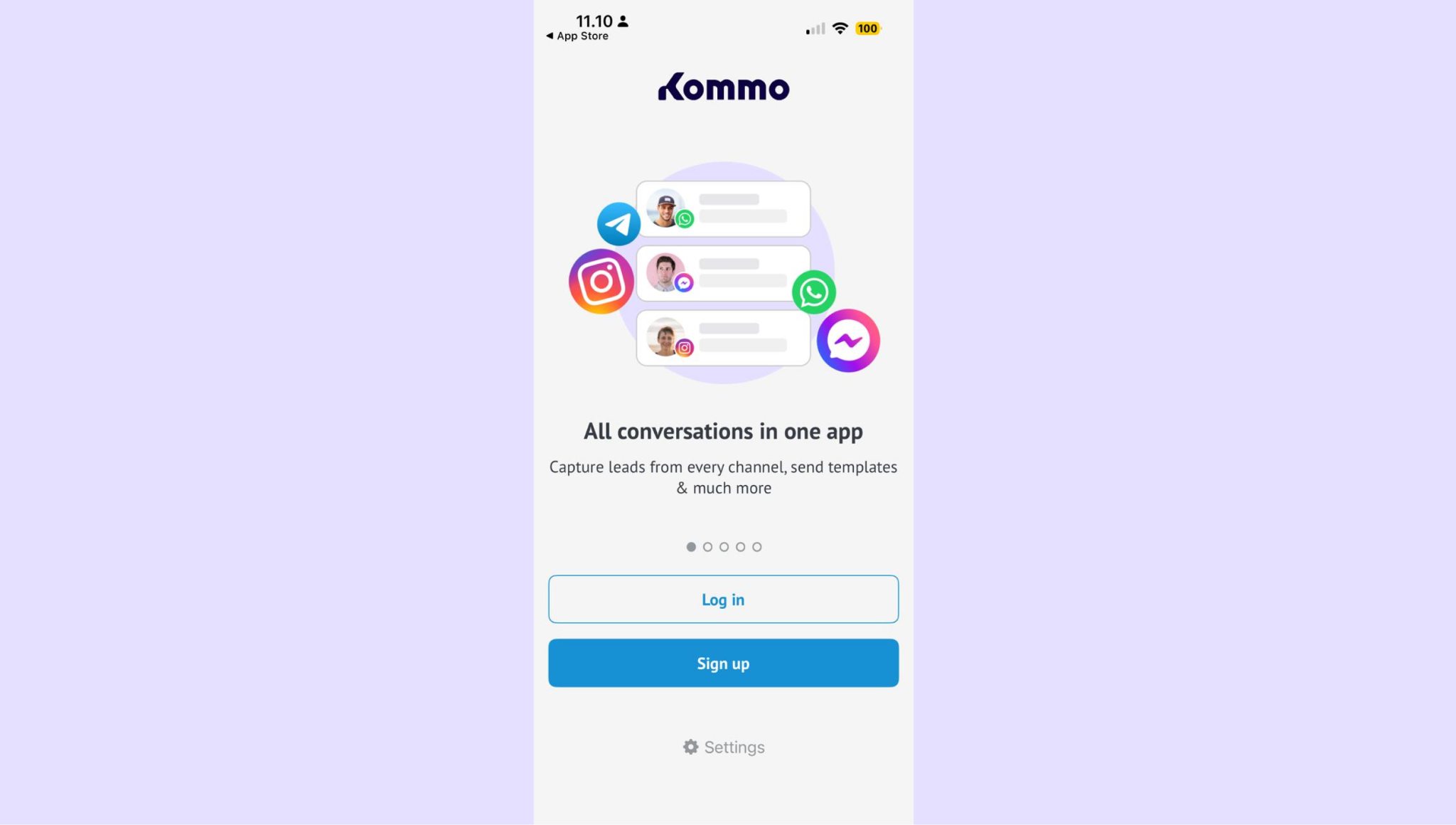
Tap Log in (or Sign up if you’re new).
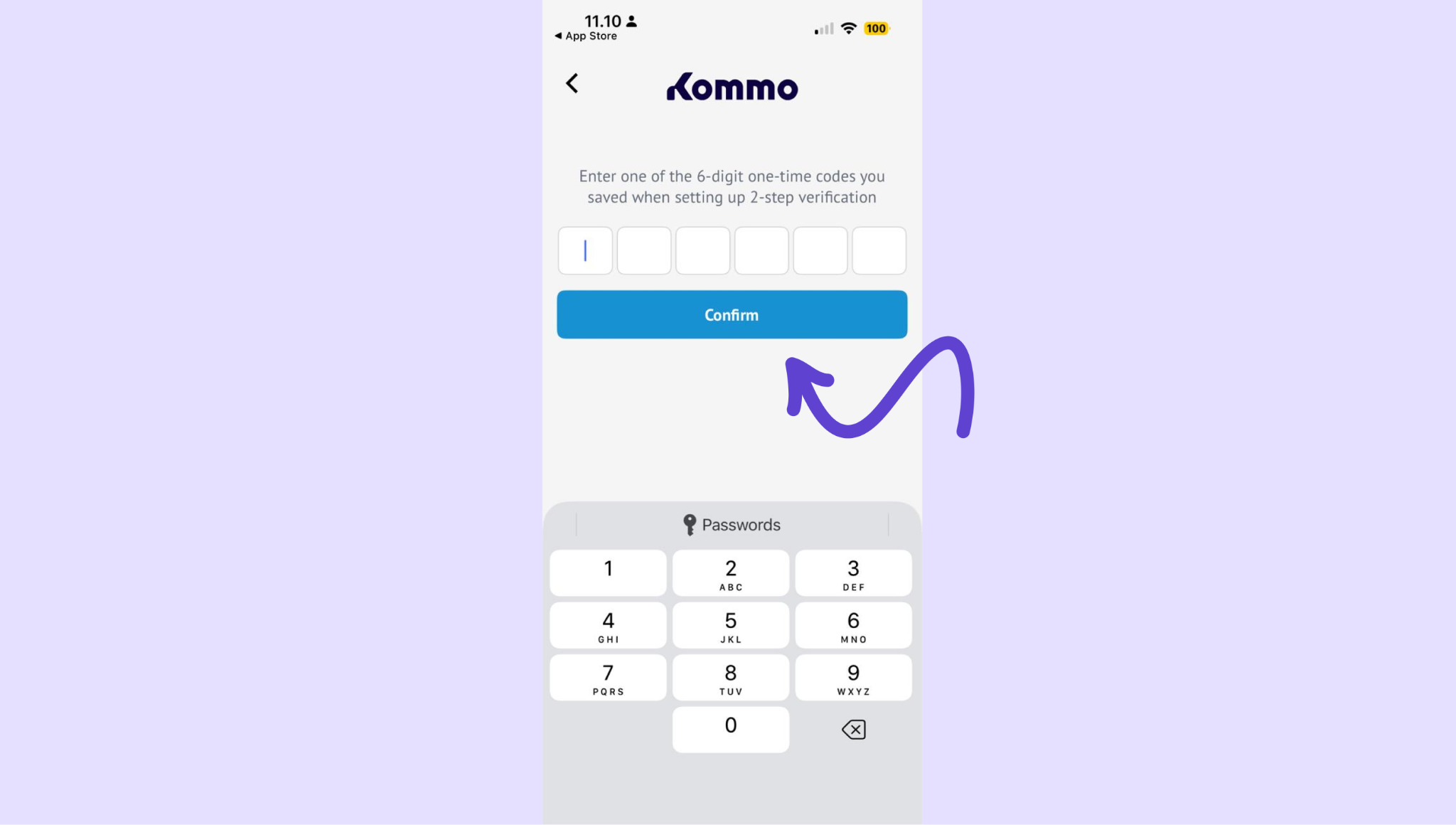
If two-step verification is enabled, enter the verification code sent to your email and click Confirm.
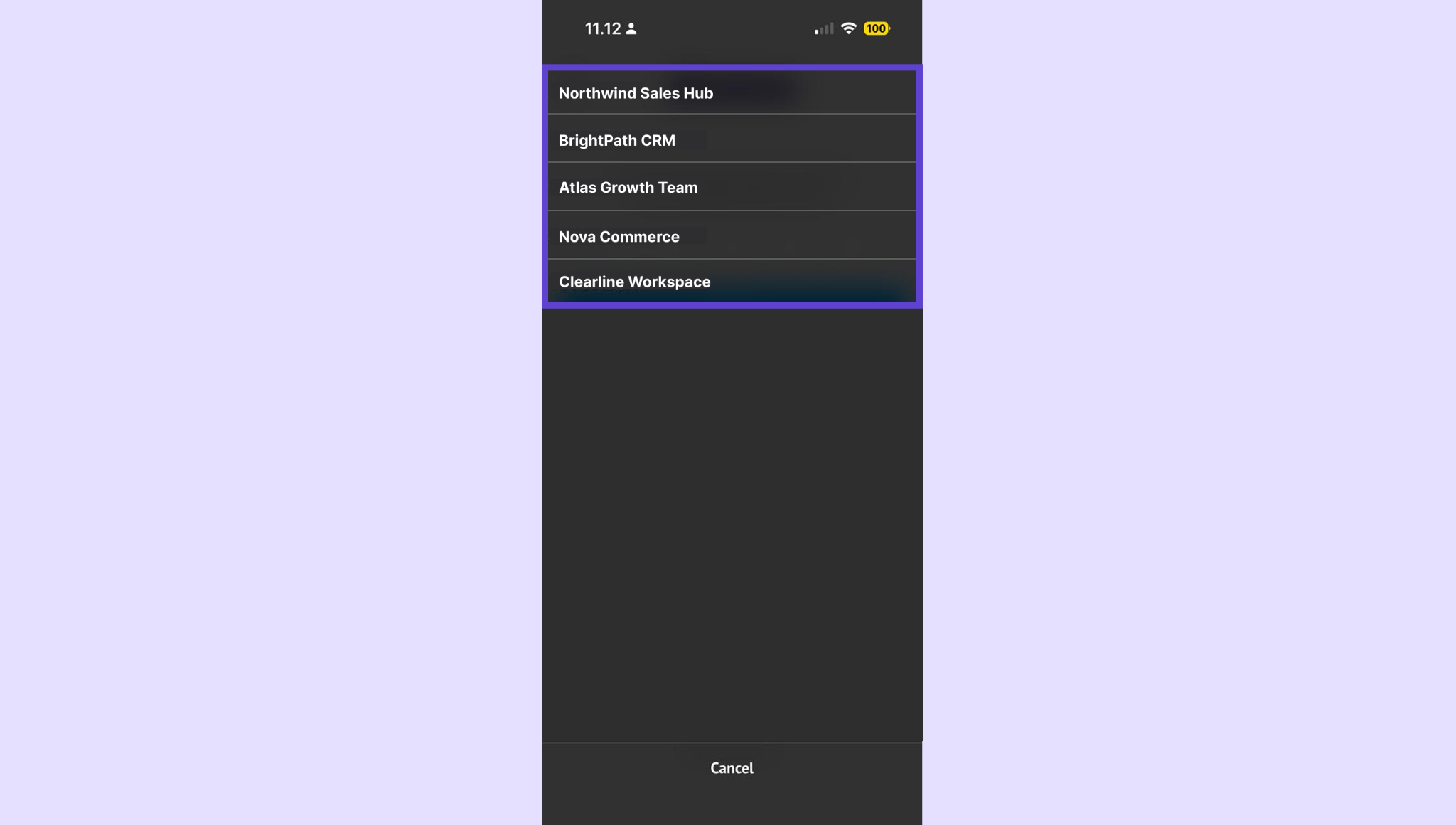
After logging in, select the pipeline you want to work with.
Enable push notifications when prompted to stay updated.
Verify the connection
Make sure everything is working correctly.
Your Kommo workspace loads on the home screen
Open a lead, send a message, or check tasks
Changes should sync instantly with the Kommo web app
If syncing works, your setup is complete.
If you need more help with setup or troubleshooting, feel free to reach out to our support chat or contact us via WhatsApp. You can also hire a Kommo partner to do all the hard work for you.
Not a user yet? Sign up for our 14-day free trial or book a free live demo.