What you’ll need:
Any Kommo plan (Base, Advanced, Pro, Enterprise, or 14-day trial).
The AI agent is available with an active 14-day trial, and as a paid add-on on Pro and Enterprise plans (after the trial). Learn more about the AI agent packages and how to purchase them.
Keep in mind:
Only users with the Admin role can set up integrations.
Each integration has its own features, requirements, and limitations. You can find these details in the relevant articles.
Connect your ecommerce platform to Kommo to keep orders, products, and customer details organized in one place. This helps your team track each order, follow up with clients, and manage sales without switching between tools.
You can connect platforms like WooCommerce, Shopify, or Bling. 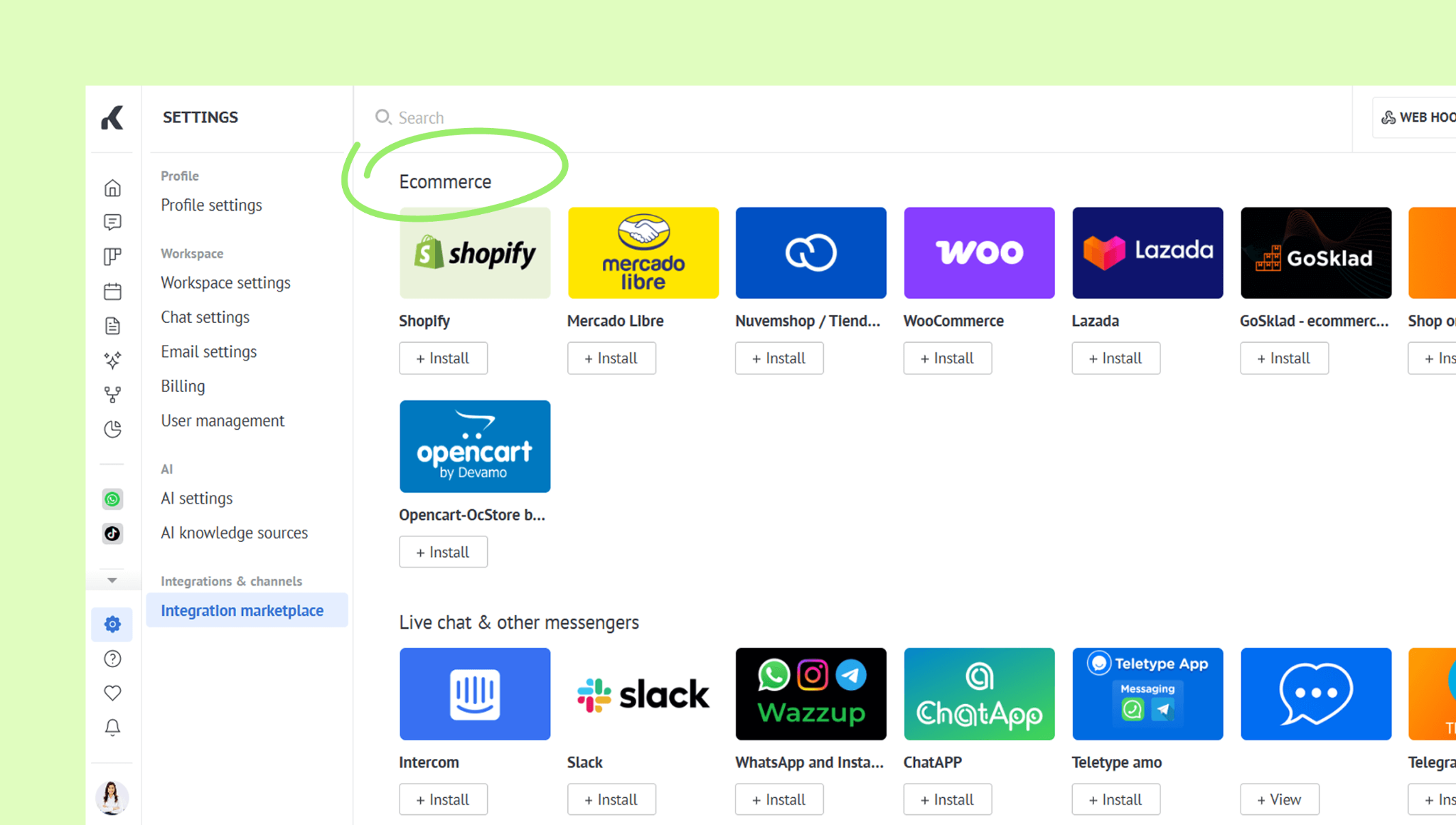
To see more available options, check out the Integration marketplace in your workspace or our Integrations page.
Keep product, customer, and order data up to date
Kommo can import or synchronize information such as products, customers, orders, prices, and order statuses.
This gives your team access to current ecommerce data without having to switch between platforms.
Note: The exact information exchanged and how synchronization works depend on the integration you use.
Track ecommerce orders in a pipeline
Kommo can create a dedicated pipeline for orders from your connected store.
Each order appears as a lead, allowing your team to:
Review client, product, and order details
Assign a responsible user
Create tasks and add notes
Track the current order status
Move the order through pipeline stages
Communicate with clients throughout the order process
Use Kommo chats to answer order-related questions, send updates, and keep the full conversation history connected to the client record.
You can also use the AI agent to help answer client questions based on your ecommerce data, including product details, shipping, returns, and more.
Learn more about the AI agent in this article.