What you’ll need:
Available during the 14-day trial and on Advanced, Pro, and Enterprise plans (also available on the legacy Base plan).
The Voice messages feature is available only for clients on the Pro plan.
Keep in mind:
Trial accounts can upload up to 10 sources; paid plans up to 100.
The AI agent only replies to incoming messages and can’t start conversations.
You can create multiple AI agents in the same workspace. The number that can be active at the same time depends on your subscription plan. To learn more, check our AI agent limits article.
AI agents use the shared AI credits available in your account. If you run out of credits, AI agents stop responding until your credits renew or an admin purchases an additional AI credit package. To learn more, see our Kommo AI limits article.
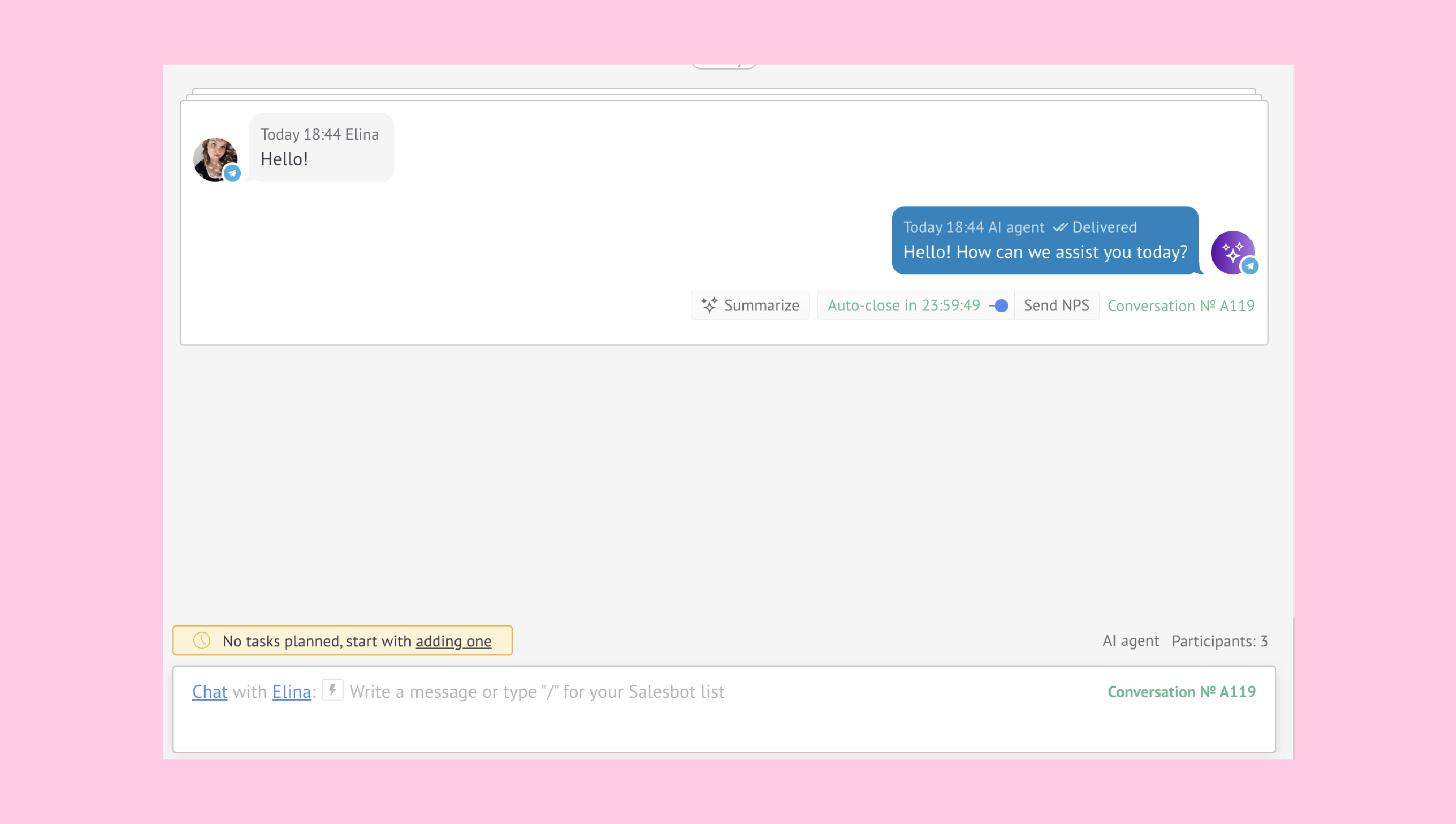
Kommo AI agent is a built-in AI assistant inside Kommo that can automatically handle customer conversations and support tasks across channels 24/7, using your own business data and rules — with almost-instant responses.
Learn more about other Kommo AI features.
Use cases
Recommend products and services – if your product info in Kommo is complete (name, size, link, price, stock), the agent can suggest the right product, recommend sizes, and share links, availability, and pricing in your account’s currency.
Enrich lead data – identifies missing details during conversations and updates empty fields in lead cards, helping your team follow up with more complete information.
Understand lead intention – recognizes what a lead is asking for and responds accordingly, for example, by sharing information, asking follow-up questions, or handing the conversation to your team.
Qualify leads for your team – asks questions, collects information, and hands conversations over to your team when appropriate. You can also configure conversation limits for automatic transfers.
Handle small talk – responds to simple messages like “Hi” or “Thanks!” to acknowledge messages naturally.
To get started, check out our how to set up guide and our how to use article.
Main subfeatures
The Kommo AI agent works by combining your business information (Knowledge sources) with rules and automation (Actions).
At a high level, the AI agent:
Uses Sources to understand your products, policies, and business information
Follows Actions to decide when and how to reply or update leads
Applies your Persona settings to match your brand’s tone and style
Uses integrations to pull real-time data from connected platforms
Provides Dashboard insights to review performance, channel activity, and credit usage per message
Processes Voice messages by transcribing voice notes and replying with text
Learn more about each subfeature:
Sources
Sources are where you upload your content — product details, policies, FAQs, business info, or other documents. The AI agent can only reply using sources.
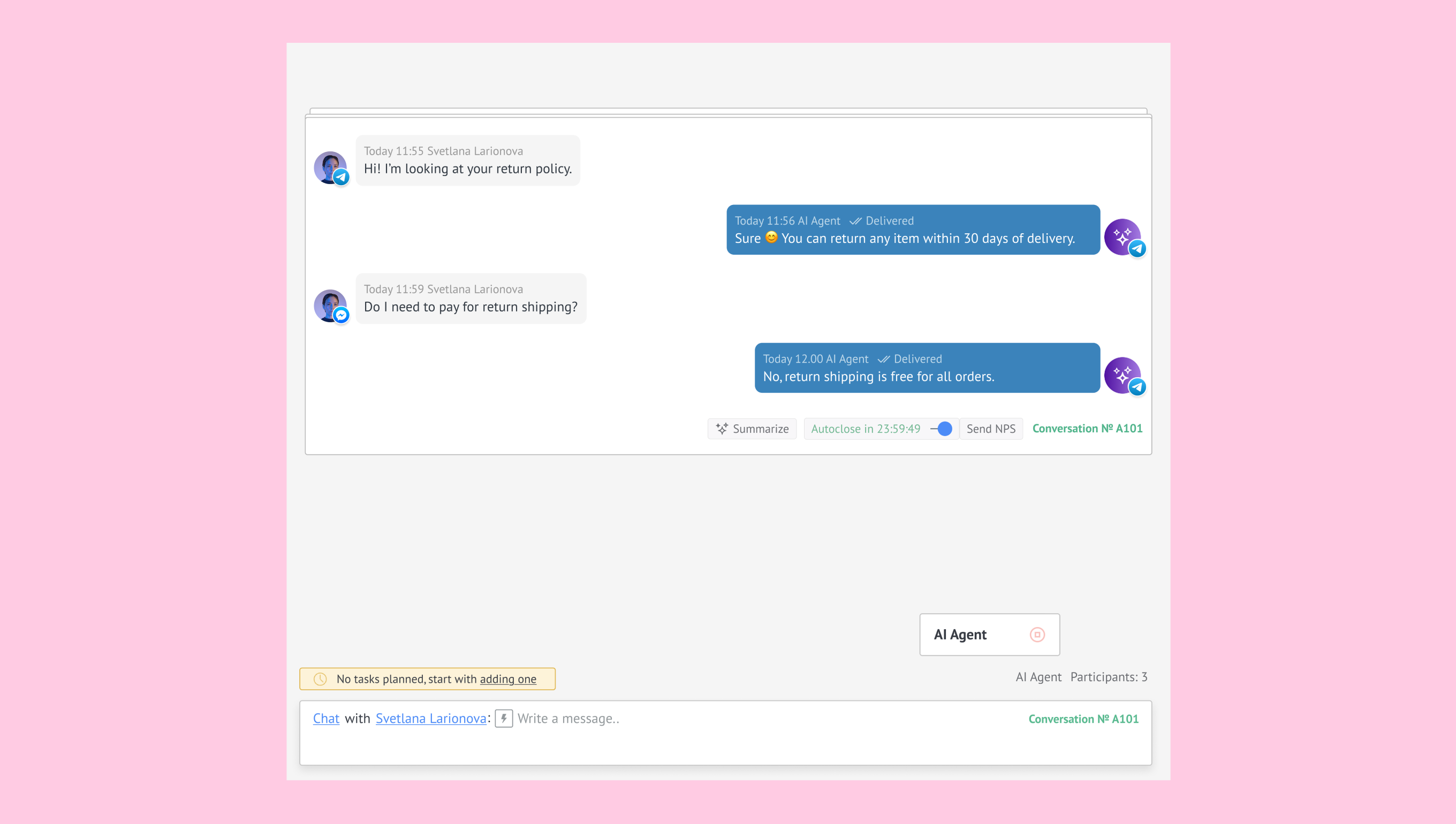
Once a source is connected, the agent can:
Recommend products
Explain your return policy
Share pricing and availability
Answer common questions using your exact wording
Each source can be updated, edited, turned off, or unlinked without removing it from your workspace. This lets you control what the AI agent knows and keep data up to date.
Note: The AI agent replies only using sources and doesn’t access external data.
Actions
Actions guide the AI agent’s behavior. Each action detects specific customer messages and triggers the response you set.
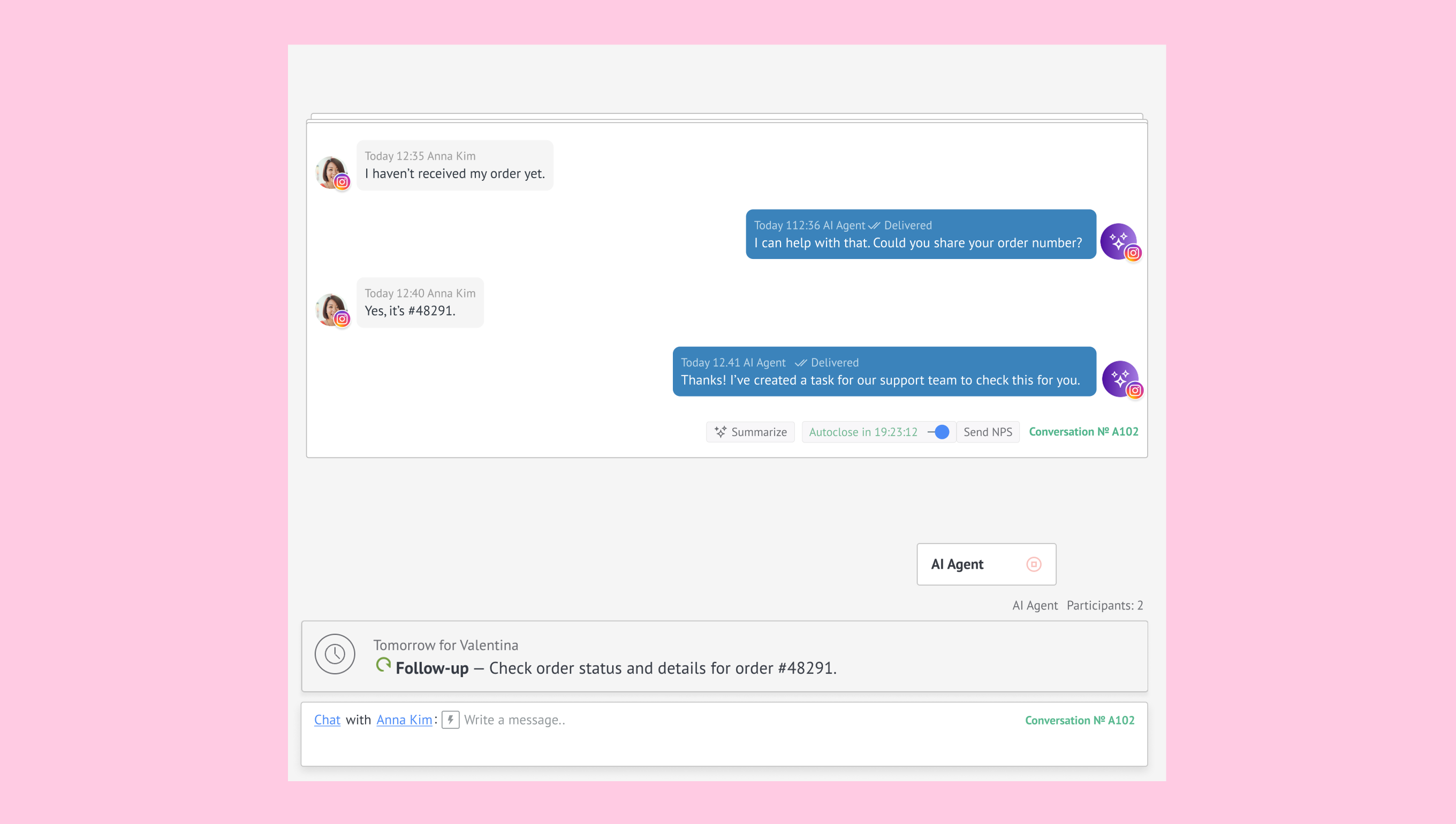
Every Action has three parts:
WHEN
When conditions specify what triggers an action, based on what a lead says, how they feel, or when they don’t reply. Each part of a WHEN condition can be customized by typing and saving your own option.DO
DO steps control what the AI agent does after a trigger. It always sends a reply and can request info, update the lead, start a bot, or transfer the chat. Steps run in order and wait for replies when needed. The agent only performs configured actions and can’t edit custom fields.MORE
The More field lets you add extra instructions that guide how an action continues in specific cases—for example, waiting until the client shares required information.
Integrations
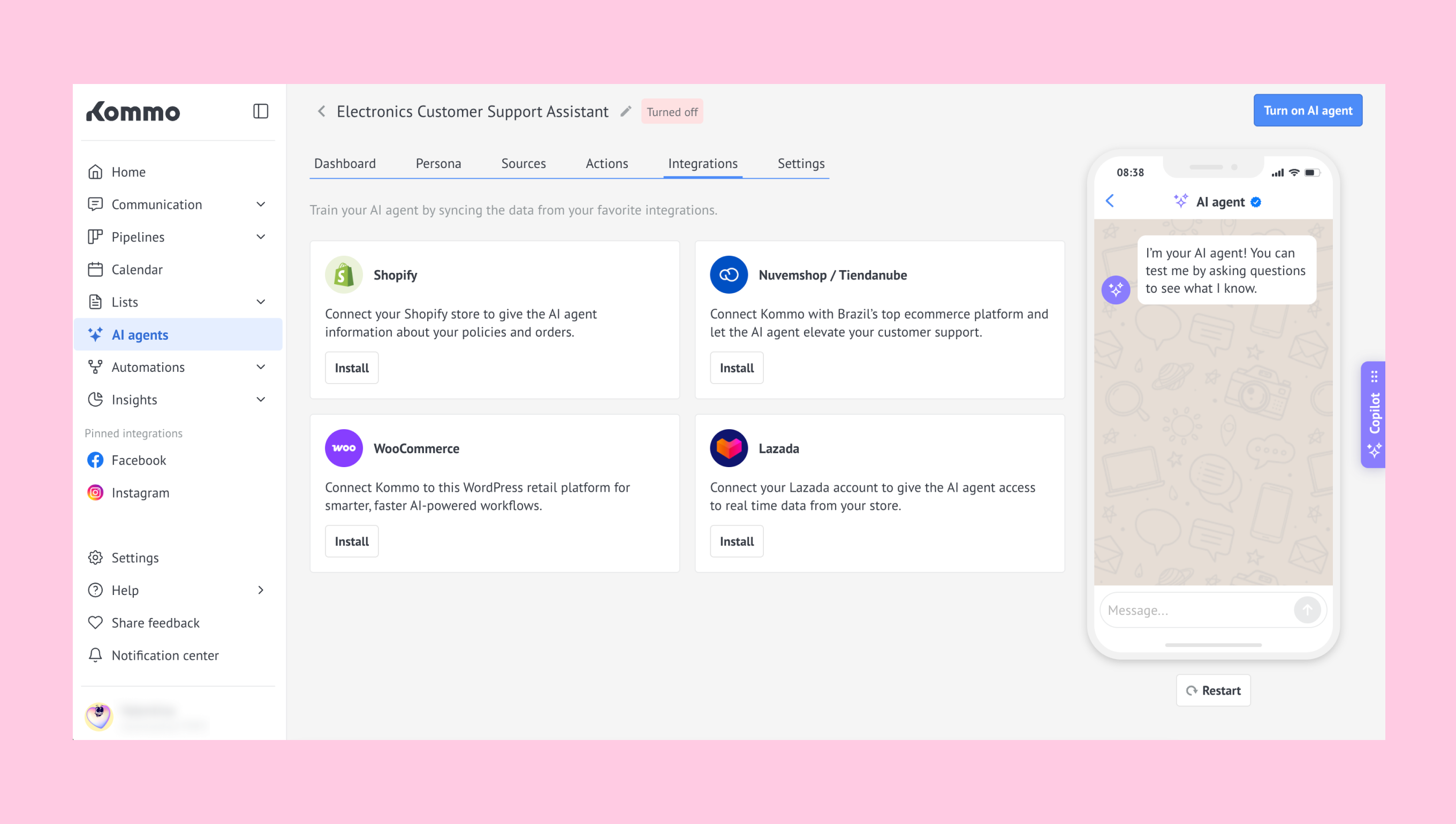
Integrations connect your online store to the AI agent so it can use real-time data in conversations. This feature is designed for e-commerce businesses that want the agent to access product details, stock levels and store policies directly from their platform.
Supported integrations include:
Shopify
WooCommerce
Nuvemshop/Tiendanube
Lazada
In accounts with multiple agents, integrations can be used across different agents and do not need to be reinstalled for each one.
When setting up a new agent, you can re-sync an existing integration to make its data available to that agent. Re-syncing connects the sources created by that integration to the selected agent, or recreates and links them if needed.
Note: Check out our articles on the integrations: Shopify, WooCommerce, Lazada, and Nuvemshop/Tiendanube.
With these integrations, the AI agent can recommend available products, share prices in your account’s currency, check stock levels, and answer questions using your store policies. This helps provide more accurate and consistent replies.
For security, synced data is read-only. Any updates must be made in your e-commerce platform and then synced again in Kommo.
Persona
Persona settings shape how your AI agent communicates. This is where you define its role, tone, and style so it feels like a natural part of your team.
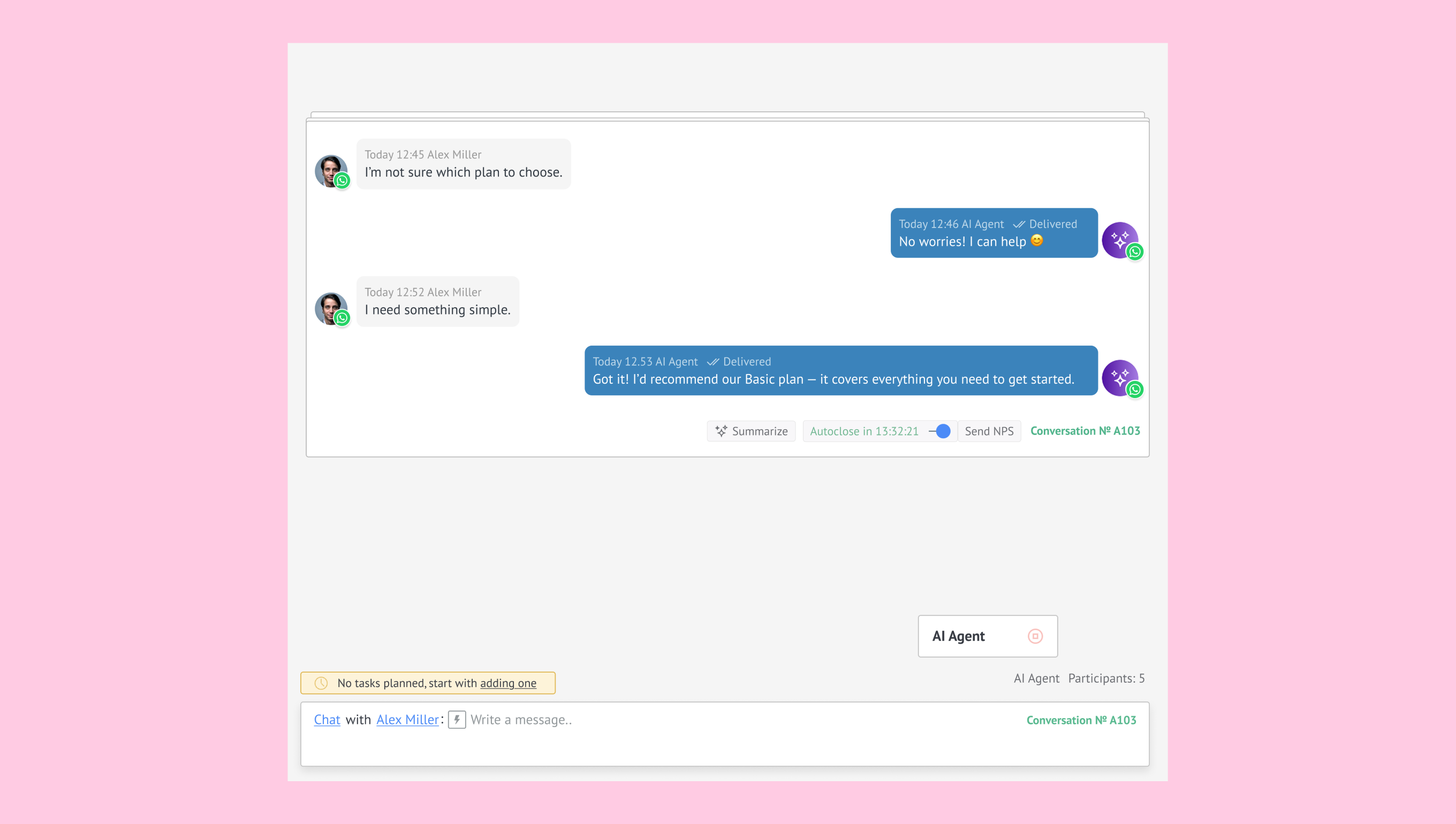
You can choose:
Role and personality: What the agent represents, like a sales rep recommending products or a support agent helping with orders.
Tone of voice: Casual, friendly, or professional.
Length of replies: Short, medium, or long replies depending on your audience.
Reply language: The agent can detect the customer’s language or you can set one manually.
Delay before replying: Add a short pause so the agent doesn’t reply instantly and interrupt customers.
Guidelines: Specific things the agent should always follow, like words to avoid or details to highlight.
Dashboard
The Dashboard section gives you a quick overview of your AI agent’s usage, credits, and performance over a selected period of up to 90 days.
Here, you can:
Check your AI agent credits — including remaining credits and when they’ll refresh or expire.
Track the AI agent’s activity — with key metrics like Unique leads, Answered and Unanswered conversations, Handover rate and Average response time.
.png)
Learn how to use the AI agent.
Voice messages
The Voice Messages feature allows the Kommo AI agent to process incoming voice notes from clients and respond with contextual text replies. When a voice message is received, the agent automatically transcribes it, interprets the request using its configured Sources, Actions, and Persona, and generates a response just like it would for a regular text message. This helps create more natural, flexible conversations, especially in channels where voice communication is common.
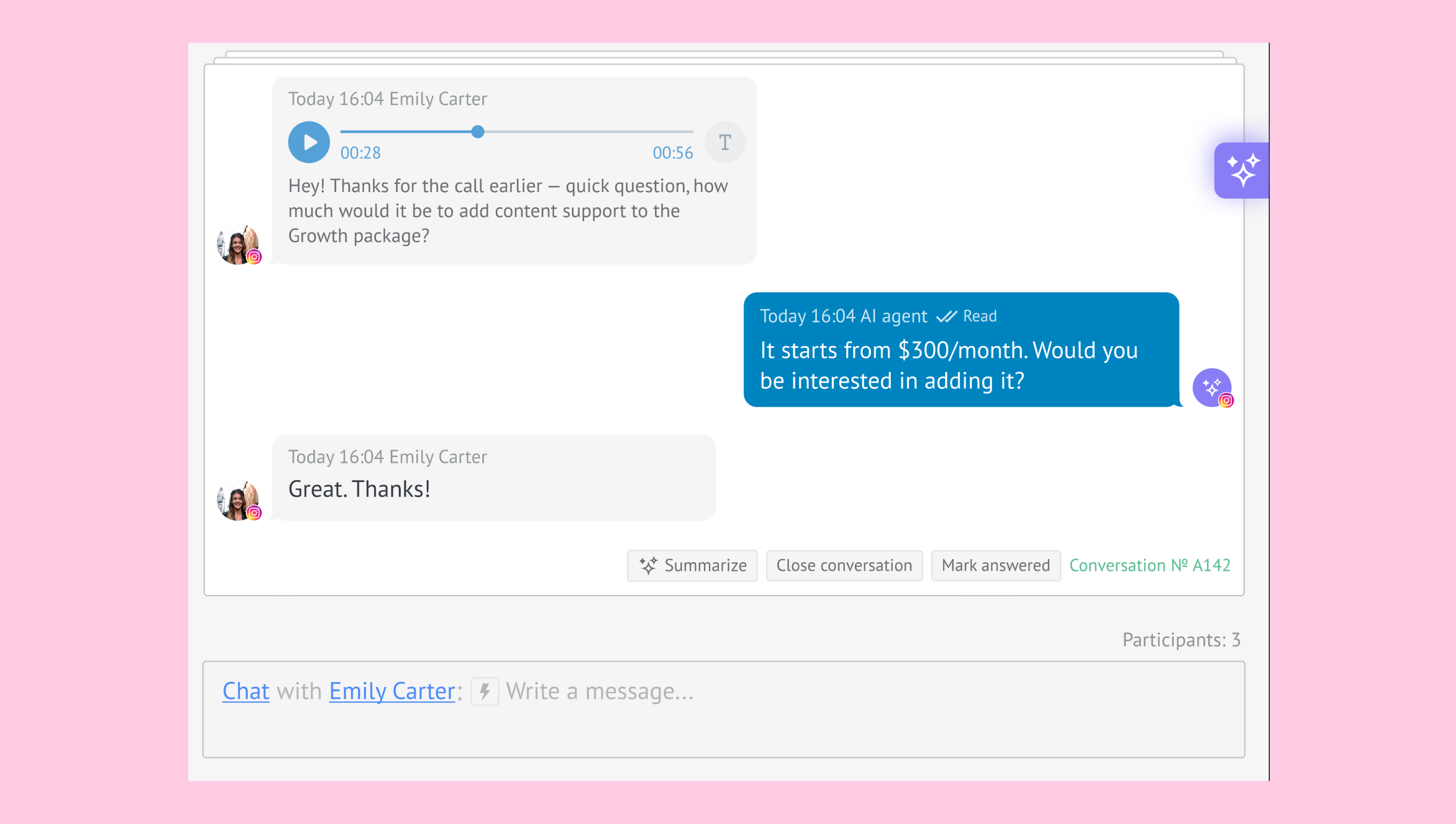
Learn more about working with the AI agent voice messages.
Multiple AI agents
You can create and manage more than one AI agent within a single Kommo account. Each agent works independently with its own settings and configuration.
This lets you assign different agents to specific pipeline stages, communication channels, languages, or teams.
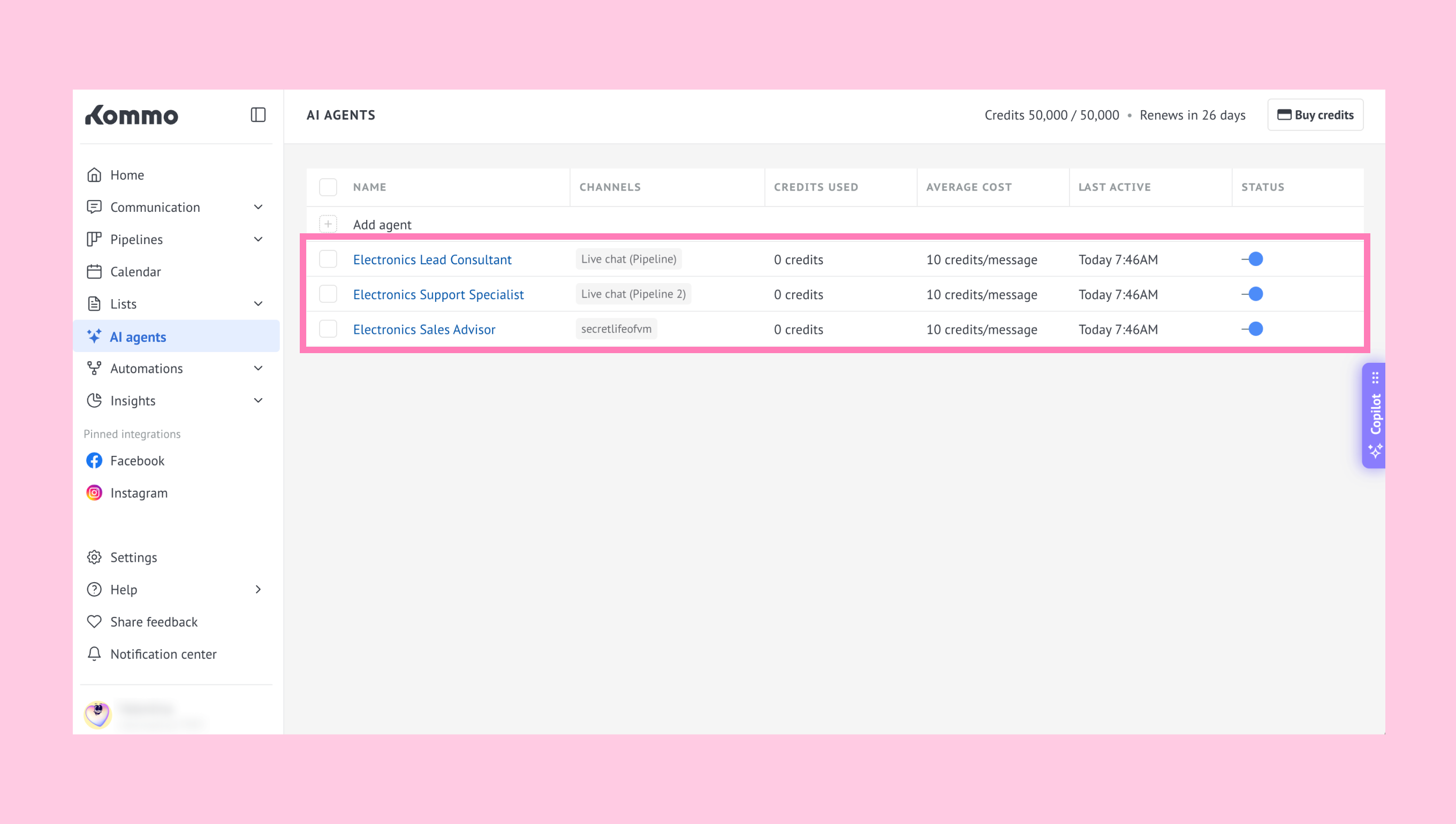
How it works:
Each agent is configured individually
Agents are assigned to pipeline stages using triggers
One pipeline stage can have only one active agent for new conversations
When a lead moves to another stage:
New conversations are handled by the agent assigned to that stage
Existing conversations continue with the previously assigned agent
Multiple AI agents can be created in the same workspace, but the number that can be active at the same time depends on the subscription plan. Only one AI agent can be active in each pipeline stage at a time.
Credits are shared across all AI agents in the workspace, making it easier to manage overall usage.
Conversation limits
You can configure conversation limits for each AI agent to help prevent excessive AI credit usage in a single conversation.
Available settings include:
Message limit
Credits limit
Message to the client
Transfer notifications
(2).png)
To learn more about workspace capacity and active AI agent limits, check out our guide.
Testing the AI agent
Test mode lets you review how the AI agent responds before using it in live conversations. It shows only the agent’s replies and doesn’t include automations or handoffs.
(1).png)
Test mode also includes additional features to help you better understand your AI agent's responses:
Ice breakers – Suggested questions that help you start a conversation with the AI agent.
AI agent activity details – Information about how the AI agent generated each response, including Intent identified, Actions completed, Actions scheduled, Sources used, and Knowledge gaps.
See our Test AI agents article to learn how to use it.